
Article
Winning a website design award isn't easy. With thousands of websites competing for industry recognition, you need an original yet practical approach to stand out. Winning a website design award requires moving beyond clichés and generic templates while demonstrating strong technical performance. Websites may stand out through interactive effects, but visual appeal alone isn't enough to engage users. For that, you need an original idea and practical elements that solve real user problems. In this blog, we will cover ten practical tips to strengthen your website and prepare a compelling award submission.
10 Practical Tips to Win a Website Design Award
Develop an Original Visual Identity
Thousands of websites are created every day, but what can help you stand out? Originality can help your website stand out. Create a website that reflects your brand values through colours, visuals, and typography. Instead of adding unnecessary elements to stand out, carefully curate your web pages with customised illustrations and consistent design elements that serve a purpose. Do not rely on generic templates or follow unnecessary design trends.
Prioritise User Experience
Visual appeal alone is not enough to engage visitors; you also need to create an intuitive website. Make essential information readily available and organise content clearly, using effective CTAs to help users find what they need. Test your website with real users who can identify usability issues and help you make the necessary improvements. Creating a seamless user experience is essential and ensures that your creative decisions are practical.
Make Your Website Responsive
You need to create a website that works consistently across devices. A responsive website adapts to different screen sizes without compromising its layout or functionality. To achieve this, use scalable images, adaptable layouts, and flexible grids that accommodate different screen sizes. Before launching, make sure to test forms, buttons, and image positioning on different screen sizes and devices.
Optimise Website Performance
A slow website can quickly frustrate visitors. That's why you need a website that loads quickly and performs smoothly. Ensure smooth interactions across web pages without compromising visual quality. To achieve this, compress images using efficient formats such as WebP, eliminate unnecessary scripts, and implement caching wherever possible. Tools such as Google PageSpeed Insights can help you identify performance issues, monitor Core Web Vitals, and pinpoint elements that slow down your website.
Use Typography Strategically
To reinforce brand identity, enhance readability, and create visual hierarchies, you need effective typography. Maintain consistent typography across all textual content. Pay attention to whitespace, contrast, and text size across different devices. Expressive font styles can reinforce brand identity without compromising readability.
Create Purposeful Interactions
Creating an aesthetically pleasing website is not enough to attract customers. That's why you need to add micro-interactions, animations, and small elements that make interactions engaging and purposeful. Add features that guide users, communicate information, or draw their attention without confusing them. However, excessive use of these elements can distract users, slow down your website, or create accessibility barriers. Every micro-interaction should improve usability rather than serve as a purely decorative element.
Make Content Clear and Useful
Content is an essential component of effective website design. Informative descriptions, concise headlines, and relevant CTAs add value to your website. Additionally, use clear language, bullet points, sufficient whitespace, and descriptive subheadings to explain complex ideas. Illustrations and visuals add depth and character to the experience. Content and design work together to make a website easier to navigate.
Consider Accessibility From the Beginning
If your website is not accessible to everyone, some users may struggle to use it. That's why you need to consider the needs of people with diverse abilities. Maintain sufficient colour contrast, provide alternative text for images, provide clear labels for form fields and buttons, and ensure that all interactive elements are accessible using a keyboard. Follow the Web Content Accessibility Guidelines (WCAG) and test accessibility and usability during the early stages of development. Incorporating accessibility features early in development can reduce the need for costly revisions later.
Learn From Award-Winning Website Designs
If you want to compete with leading websites, make sure to understand your competition and learn from previous winners. Carefully analyse their creative choices, layouts, navigation, technical execution, and how they have balanced creative expression with usability in each project. Use these insights to develop original ideas rather than simply copying existing designs or content.
Test, Refine and Polish Every Detail
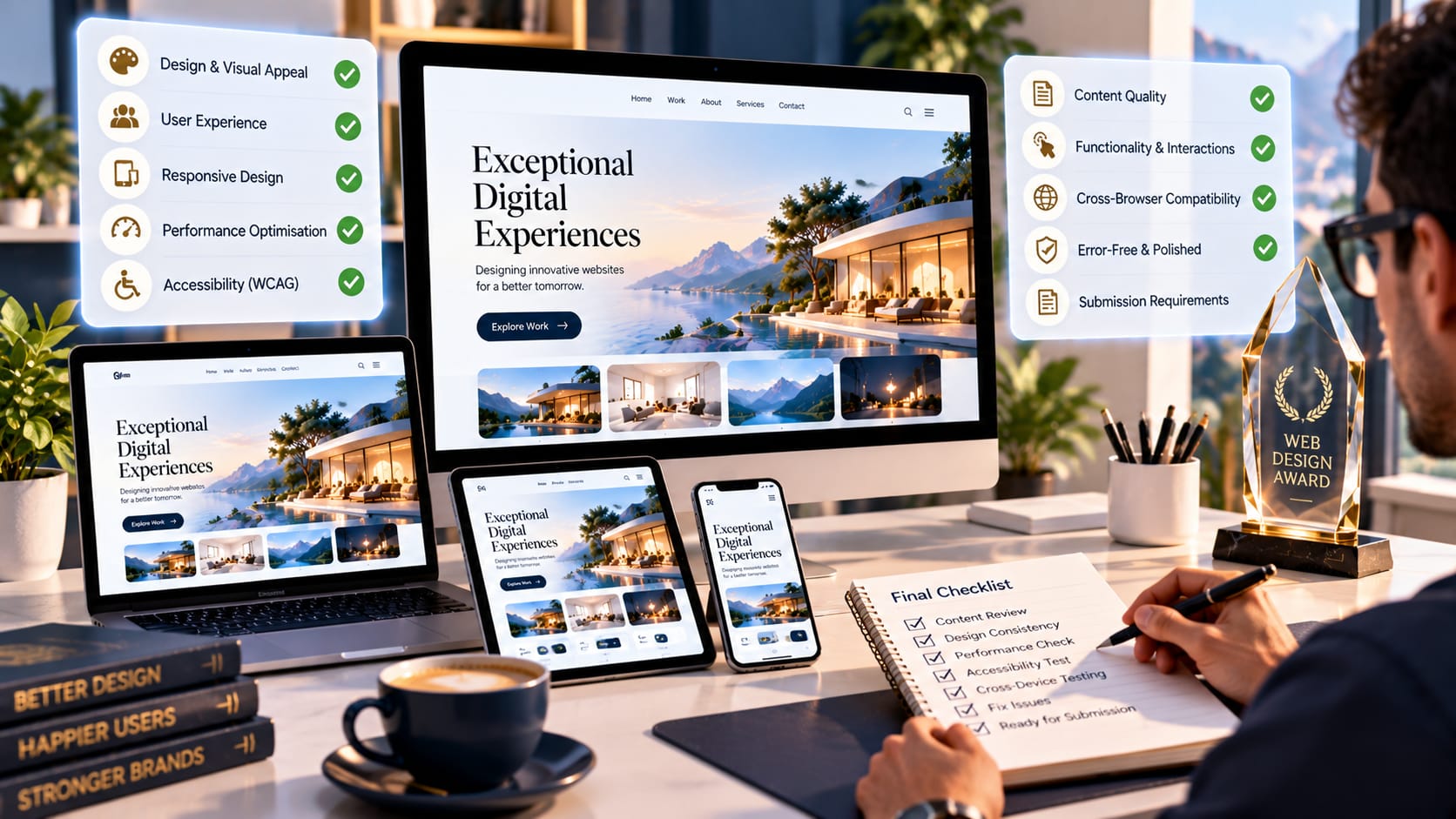
Finally, if you want to submit your website for an award, test every element as a user would. Check for broken links, visual glitches, and spelling mistakes, and fix any issues you identify. A thorough review can strengthen your award submission and keep your website polished.
Common Mistakes That Can Weaken a Submission
Before submitting your website for awards, make sure you address these common mistakes:
- Visual clutter: Keep your website clear and uncluttered by removing unnecessary elements and simplifying complex layouts.
- Inconsistent pages: Failing to check contact pages, secondary web pages, and checkout screens before launch can weaken the user experience.
- Poor performance: Avoid unnecessary scripts and elements that negatively affect website performance and responsiveness.
- Insufficient testing: Before launch, test for broken links, mobile usability issues, and inaccessible controls that could damage your website's credibility.
Prepare Your Website for Submission
Finally, if you want your website to be among the top contenders, you must thoroughly review the eligibility criteria and submission guidelines. Choose the award category that best suits your website, and align your submission with the award criteria. From functionality and responsiveness to cross-device performance, prepare a detailed portfolio that showcases your creative strengths. Put greater emphasis on your website's distinctive features.
Final Thoughts
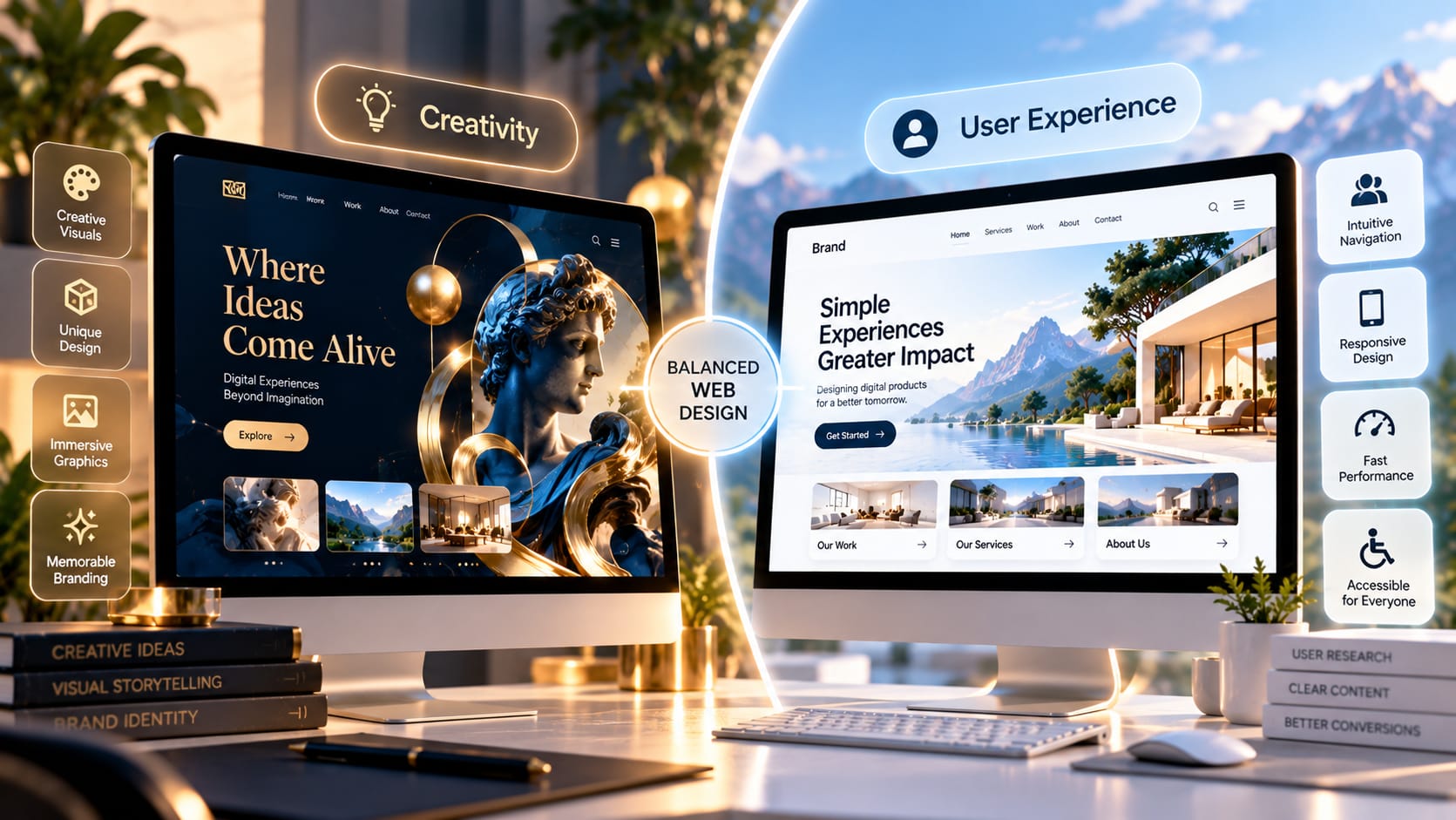
To win top website design awards, you need to balance creativity, usability, and technical quality. Balancing technical expertise, creativity, and usability helps create a visually appealing, accessible website. Ultimately, visuals attract users' attention, accessibility makes the experience more inclusive and usable, and useful content strengthens the overall experience. By paying attention to even the smallest details, designers can create websites that compete confidently for industry recognition.